Share this post
Content Solutions
3-min read
Display Wetu itineraries on your website with LightSpeed

By
Jessica Schnetler
Published
26 March 2025
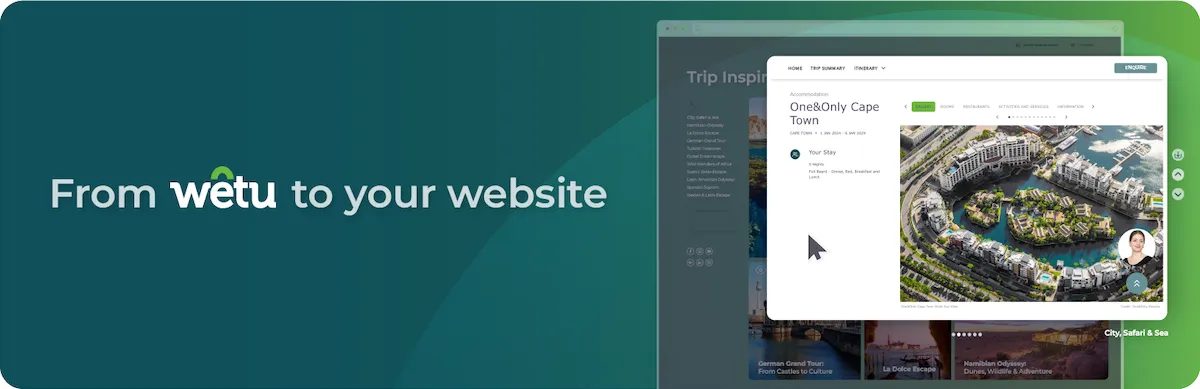
Wondering how to show travel itineraries on your WordPress site? Wonder no more. Wetu has teamed up with LightSpeed to create the Wetu Content Importer, the secret weapon for Enterprise Clients to turn your website into a high-converting sales tool.
Why your travel website needs smarter content integration
In today’s competitive travel industry, your website has moved from being a digital brochure to a powerful sales tool. Yet many DMCs, agents, and tour operators struggle to keep content fresh and engaging. By joining forces, Wetu and LightSpeed enable you to better promote your itineraries through a more immersive look and feel on your website.
How Wetu Content Importer transforms enterprise marketing
At Wetu, we believe tech should empower travel businesses. Our mission is to build tools that help you spend less time on proposal admin and more on crafting magical trips. But we also recognise that marketing digitisation often delivers the best results through collaboration. That's why we called in LightSpeed.
As an expert in crafting high-performance websites, LightSpeed built the Wetu Content Importer to work alongside their tour operator plug-in. The goal is to allow our clients to display stunning Wetu itineraries on their websites to help bridge the gap to conversion.
What the Content Importer and Tour Operator plug-in do
Tour Operator Plug-in
The Tour Operator Plug-in is a flexible website-building tool that makes it easy to create and manage travel websites using block-based themes and modern WordPress design tools.
Content Importer
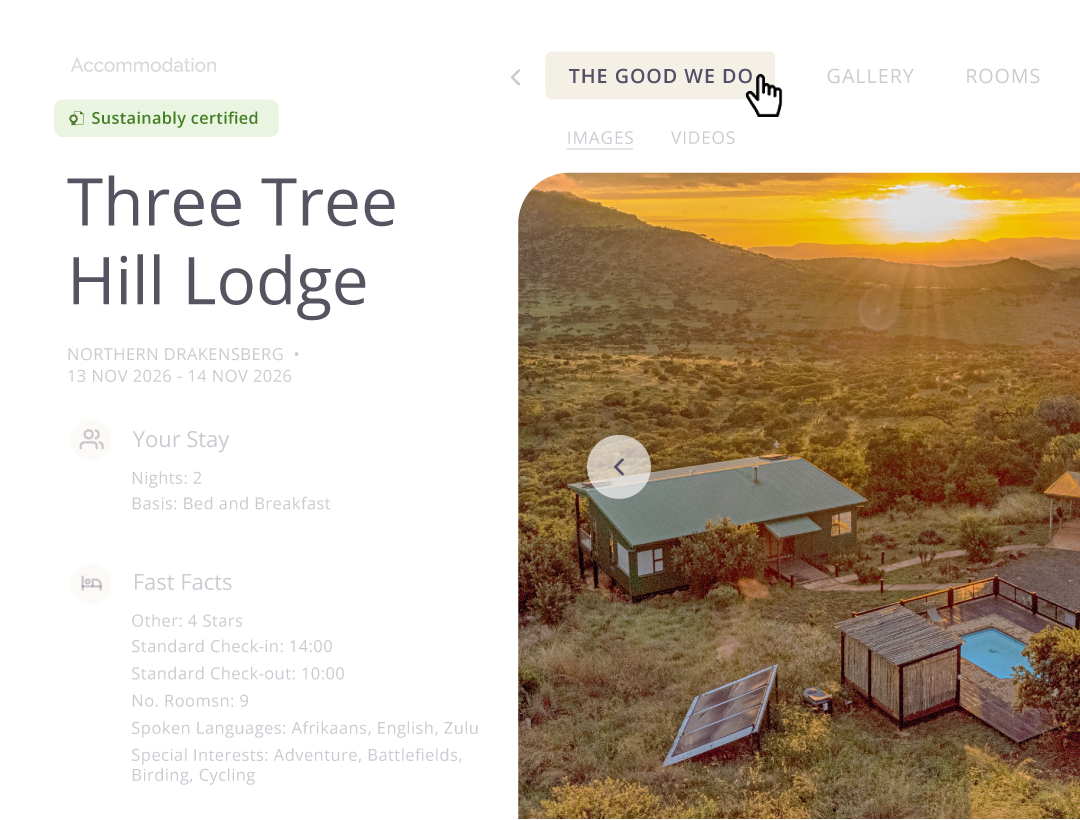
Content Importer pulls your Wetu itineraries, media, and descriptions into your website, creating an interactive experience for potential clients, without the need for any manual updates. It's currently available to our Enterprise Users.
Real success stories: websites that increase conversions


A smarter way to boost your bookings
Magical travel experiences start with great storytelling, and this integration helps you tell yours in the most compelling way possible. By integrating Wetu’s content expertise with LightSpeed’s website know-how, we’ve made it easier than ever for travel businesses to improve their marketing and boost bookings.
Want to discover more about what this plug-in can do for your business? Find out how LightSpeed redesigned the Deep Blue Adventures website with Wetu integration. They boosted mobile usability, site performance, and content management, improving user experience while also empowering their team.
We are very excited about this latest offering and all the other recent improvements Wetu has made. Keep it up!” Tierney Craig, Bushtracks Expeditions
Get the plug-in for yourself on the Wetu Content Importer WordPress plug-in page.
Tips and tricks to enhance your content from the LightSpeed CEO
Extending your Wetu itineraries to your website can improve both visibility and user experience, but simply importing content isn't enough. In a discussion with Wetu's Head of Marketing, Ash Shaw from LightSpeed shared practical advice on getting the most from the Tour Operator plugin, with a particular focus on SEO, content structure, and long-term website performance.
1. Complete every itinerary field in Wetu
The more information you provide in Wetu, the richer and more effective your website content will be after import.
2. Create cornerstone pages
Identify your most important pages and ensure related content links back to them to strengthen your site's structure.
3. Prioritise internal linking
Link relevant itineraries, blog posts, and pages together to help both visitors and search engines navigate your content.
4. Use an SEO plugin such as Yoast
Tools like Yoast can help you optimise titles and metadata, and identify internal linking opportunities.
5. Review imported content before publishing
Always check imported itineraries for completeness, formatting, and SEO/GEO elements before making them live.
Ready to get started?
If you’re ready to turn your travel website into a high-converting sales engine, contact us to get started!
Trip Solutions

Blog
Keep the inspiration flowing
Explore related stories, tips, and updates to help you bring magic to your clients.